See where the work goes.
From hello to handled.
Follow the pieces of a connected workspace. Switch between conversations, workflows, agents and insights to see how each part fits.
Explore the workspaceOne workspace.
The whole story.
From the first conversation to what happens next, see how the pieces of your work fit together.

Help with an account invite
Customer email Example thread
Check the invitation status and confirm the address before sending another invite.
 LINKED ISSUEAccount invitation delivery
The conversation is only the beginning.
Keep the message, the customer context, and the next piece of work together. Pick up the thread without piecing the story back together.
- Shared conversations
- Linked tasks and issues
- Context beside every reply
 View full size
Make the next step part of the plan.
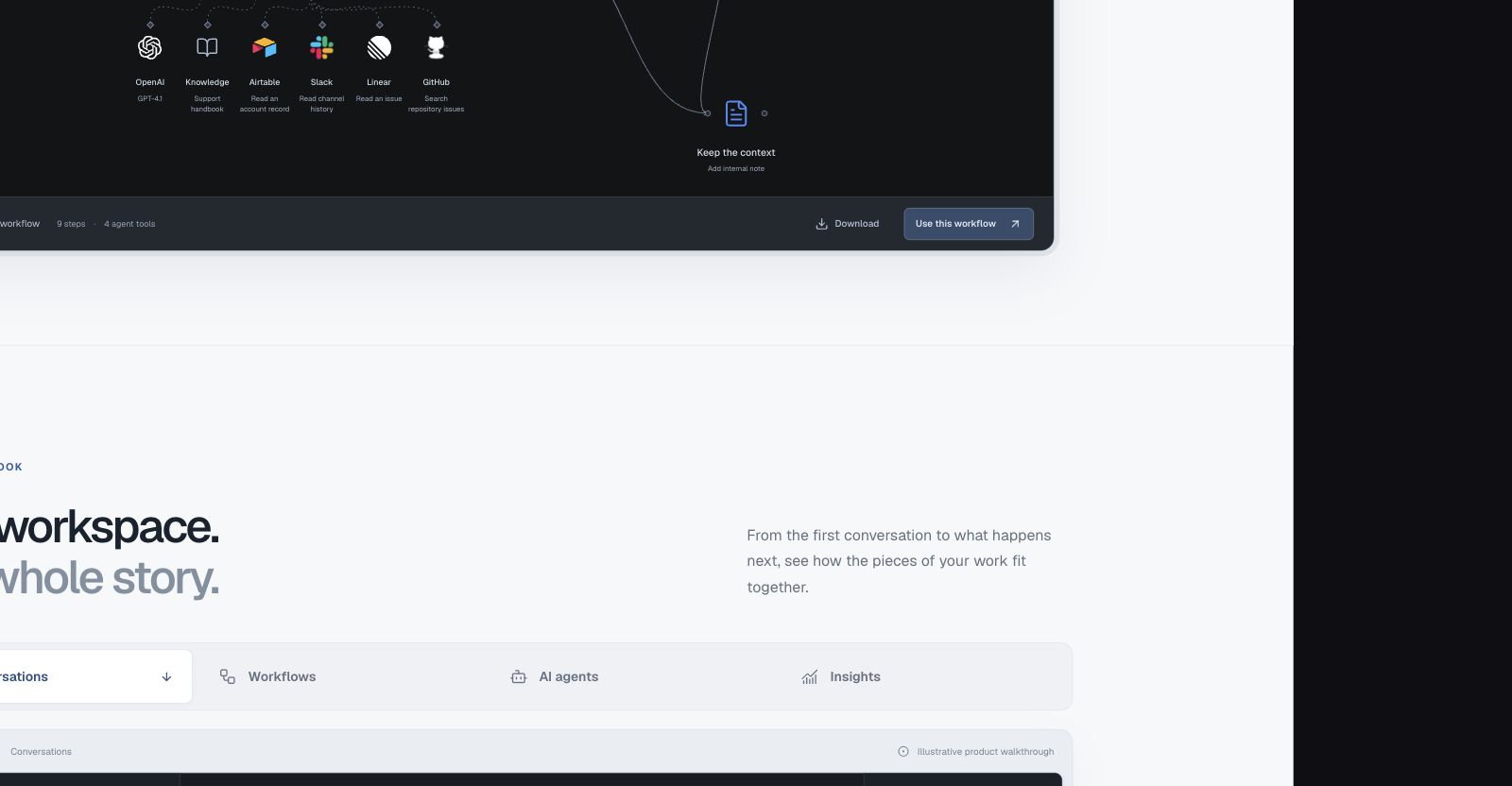
Turn a familiar process into a visible path. Connect triggers, decisions, and actions, with a place for people to review the work.
- Visual workflow builder
- Conditional paths
- Human approval steps
Support triage
Turn the first message into a clear next step.
A defined role.
A visible review path.
Understand the customer's request. Identify the topic, find relevant context, and prepare the next action for the team to review.
 Find an issue
 Read a repository issueAsk for review
Give AI a job. And clear boundaries.
Define the instructions, choose the model, and connect the tools an agent can use. Keep its purpose and the path to human review in view.
- Explicit instructions
- Selected tools and context
- Reviewable decisions
Start with a better question.
Understand conversation volume.
Explore the time to a first reply.
Review service level outcomes.
Example shape only. Your reports use your workspace data.
Put the trend in context.
Use a reporting period to understand changes in the queue, then inspect the work behind them.
Observe. Investigate. Improve.Find the story behind the queue.
Look at the shape of incoming work, response times, and service levels. Use the same workspace context to decide where to look closer.
- Conversation reporting
- Response time trends
- Service level visibility
This interactive walkthrough uses illustrative content. Your workspace uses your own customers, connections and configuration.
Take an idea into your own workspace.
The quickstart
Start with a conversation or a workflow, then configure the next step.
Explore The quickstartConnections
See which actions your existing services can take in a NodeHub workflow.
Explore ConnectionsWorkflow templates
Choose a starting point, review its requirements and make a private draft.
Explore Workflow templates